Early access · Desktop app
Give your business a team that works while you sleep.
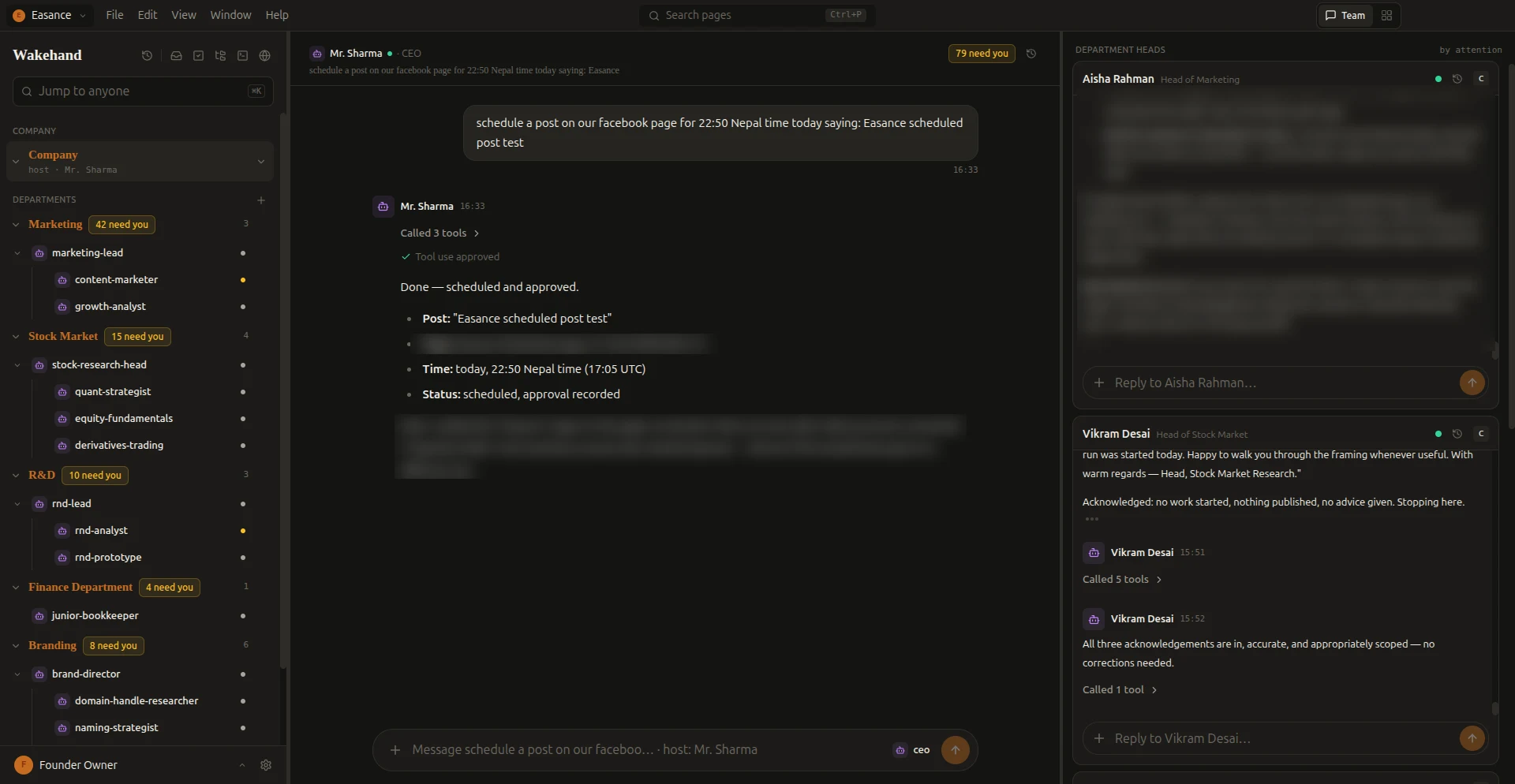
WakeHand is a desktop app with a CEO agent and a team of department agents. Tell the CEO what you need. The team plans, works across departments, and asks you before anything goes out.
Product film from the early-access build. Names and numbers are demo data.
The team
One CEO agent. Departments of agents behind it.
CEO
Mr. Sharma
Takes your request, plans it, and hands it to the right department.
Department
Marketing
Content and growth agents plan posts and campaigns.
Department
Branding
Keeps tone, brand kit and visuals consistent.
Department
Finance
Tracks numbers and prepares reports.
Inside the app
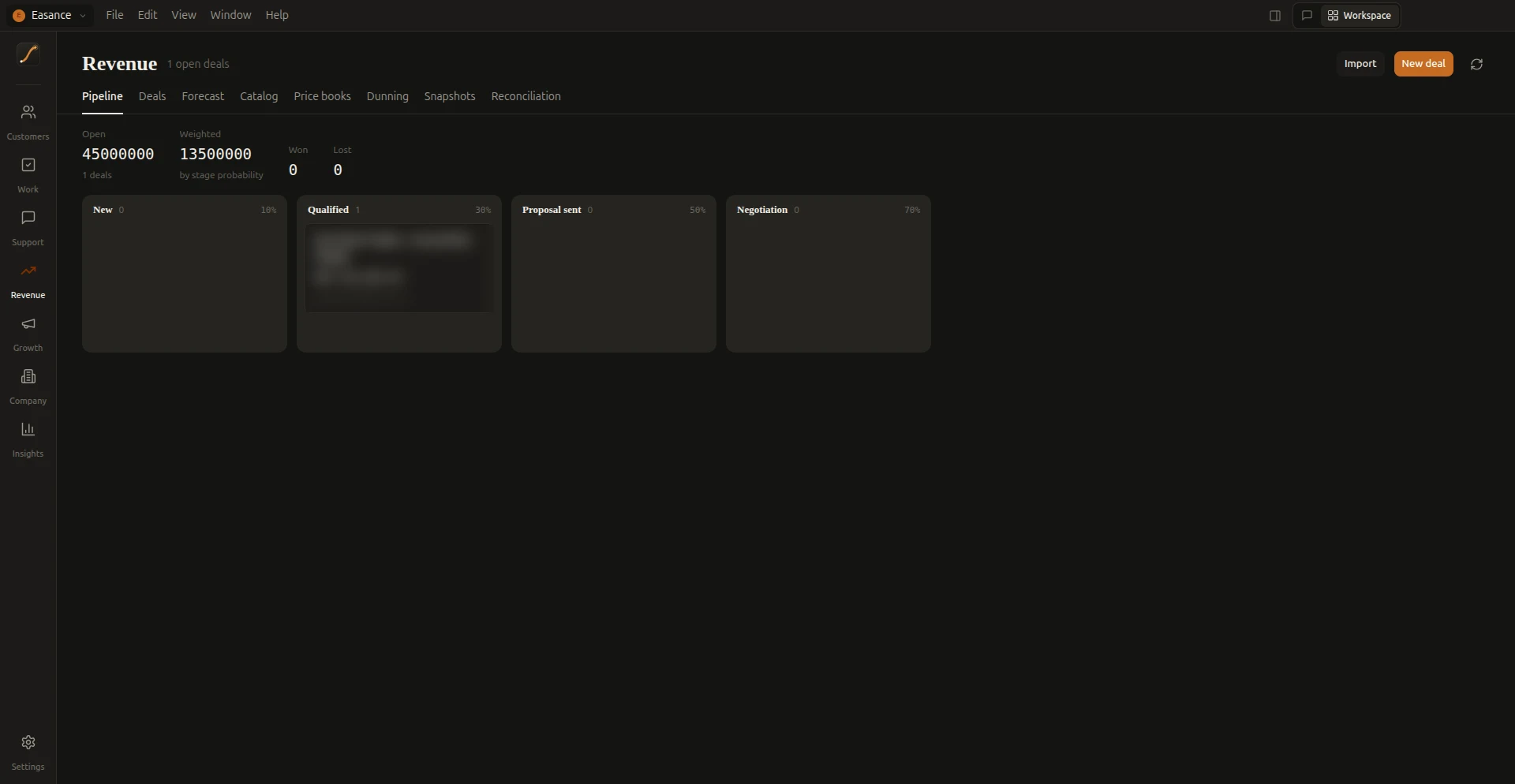
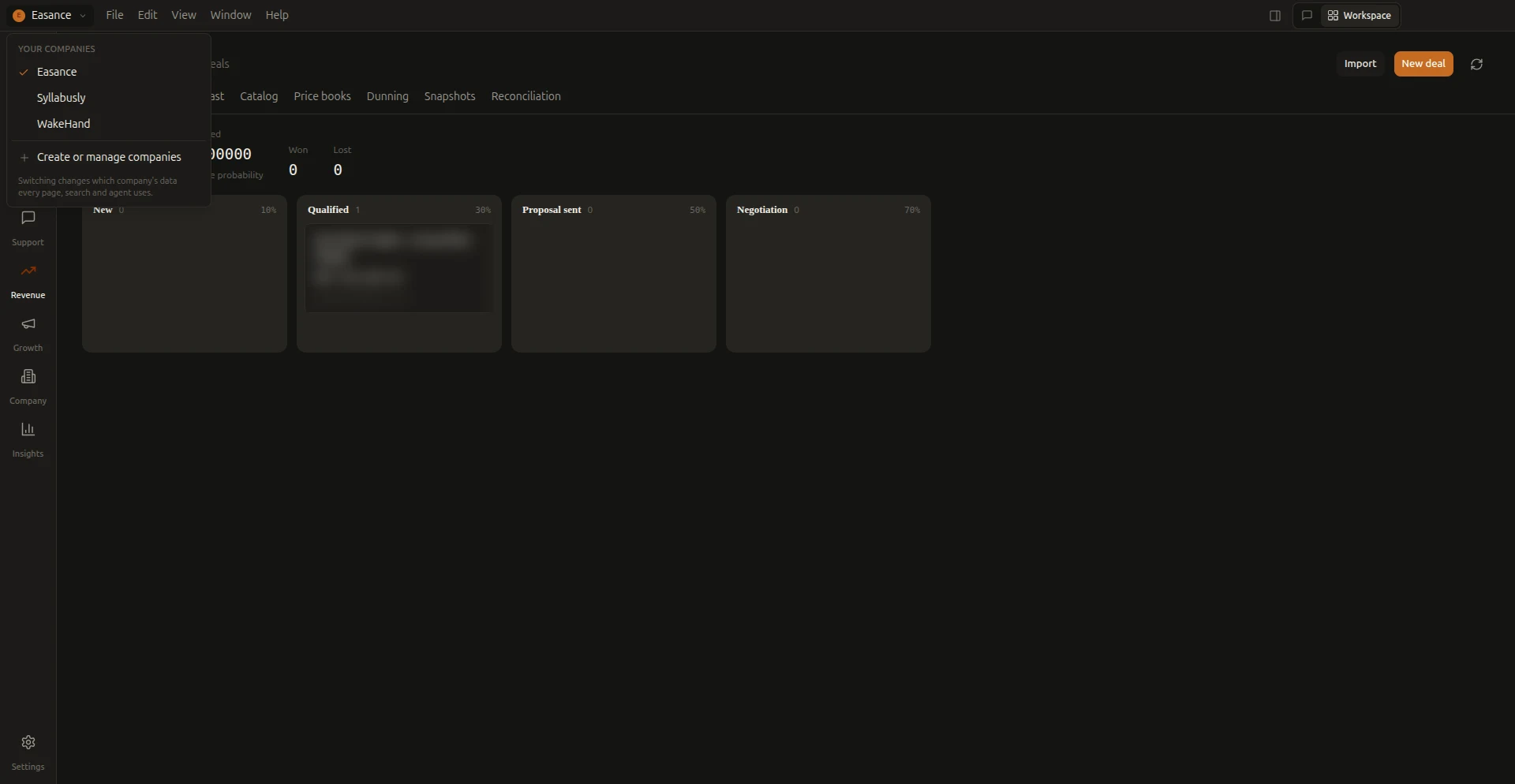
The real app, not a mock-up.
Screenshots from the early-access build. Some details are blurred.
How it works
You stay in charge. The team does the legwork.
01
Delegate
Write one request to the CEO, such as "Plan this week’s social media for our launch."
02
Collaborate
Agents consult each other across departments and report back in plain messages.
03
Approve
Anything that acts on the outside world waits for Allow once, Always allow or Deny.
Control
Nothing reaches the outside world without you.
When an agent wants to use a tool, you decide: Allow once, Always allow or Deny. Settled approvals collapse into a single line in the chat.
Illustration of the approval step.
What you get
Built for real work, not demos.
Work that spans departments
Sub-agents hand work to each other. Each step shows in the chat.
Documents as results
Reports and drafts come back as versioned documents you can open and revise.
Approvals that mean something
Per-tool permissions: Allow once, Always allow or Deny.
Connect your channels
Guides for Meta, X, LinkedIn and Reddit. Integrations are in preview.
Where we are
Early access, and honest about it.
WakeHand is in early access. Provider integrations such as Meta, X, LinkedIn and Reddit are in preview: approved actions are rehearsed, and nothing is posted to a live account yet. We will say so on this page when that changes.
FAQ
Questions, answered plainly.
Is WakeHand available to download?
Yes, in early access. Linux builds (AppImage and .deb) are on the download page. Windows and macOS builds are coming.
Will agents post without asking?
No. Actions that reach the outside world need your approval, and you choose Allow once, Always allow or Deny per tool.
Which platforms does it run on?
Linux today. Windows and macOS builds are on the way; join the notify list on the download page.
Are the social integrations live?
Not yet. They are in preview and rehearse actions without sending anything.
Social media
Hand social media to the team. Approve what goes out.
Ask the CEO once. Content, growth and brand agents draft a post for each channel, and every post waits for your approval before it is scheduled.
Illustration of the flow. Channel integrations are in preview.